What is type-tune?
type-tune moves shared TypeScript types without making you chase every import by hand.
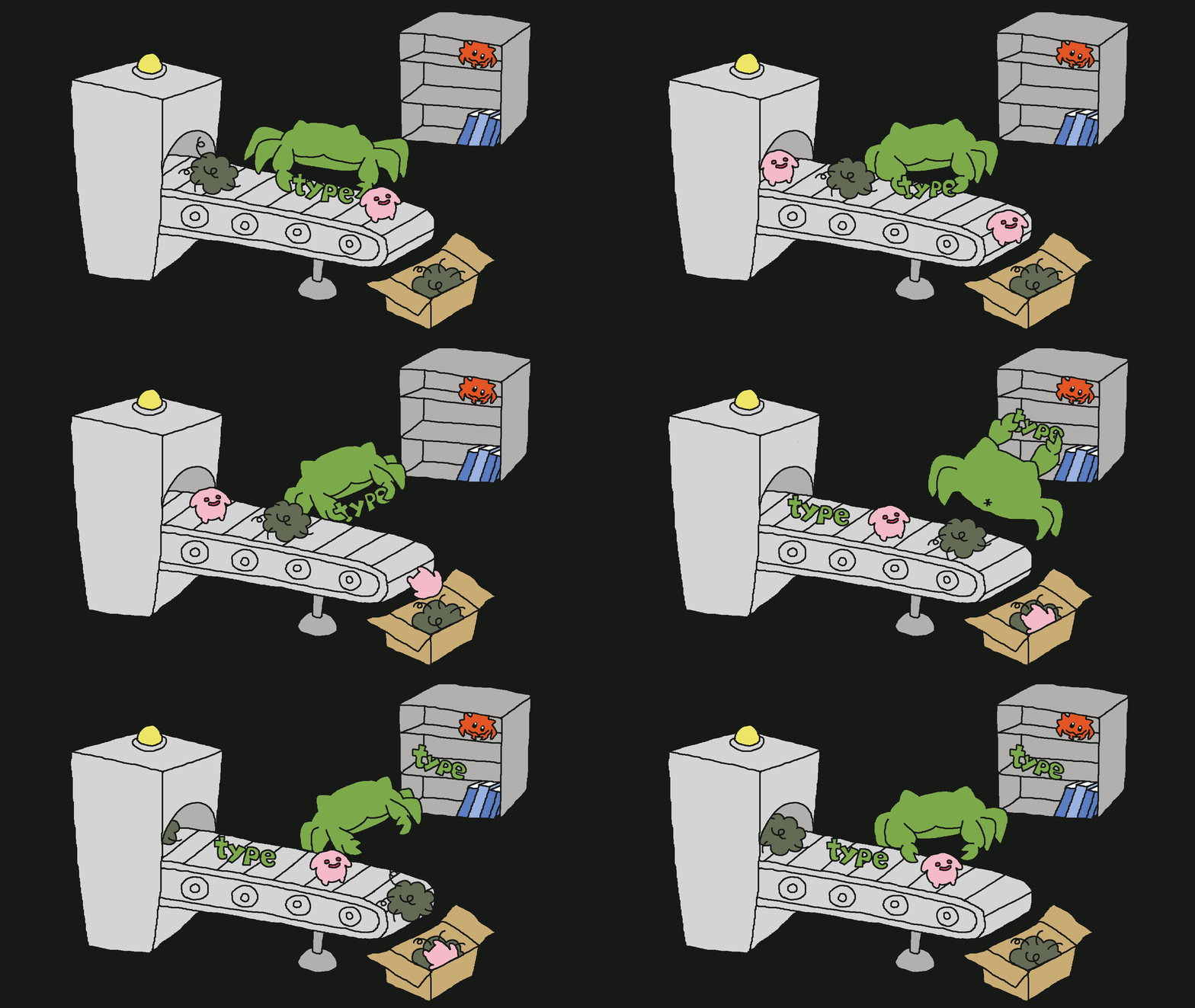
The Rust-powered CLI follows three deliberate steps:

Review the plan first; only the moves you approve are applied.
Install
Add type-tune to a project that uses Node.js 22+. A one-off scan is
npx type-tune scan --project tsconfig.json. After a local install, run
pnpm exec type-tune or npx type-tune.

pnpm add -D type-tune yarn add -D type-tune bun add -d type-tune npm install -D type-tune 
Workflow
Scan your project, approve candidates in plan.md, and preview the rewrite before keeping it. These commands use pnpm exec after a local pnpm install. With npm, use npx type-tune and the same arguments.
pnpm exec type-tune scan --project tsconfig.json pnpm exec type-tune plan --project tsconfig.json --out .type-tune/plan.json --markdown .type-tune/plan.md 
pnpm exec type-tune apply --plan .type-tune/plan.json --markdown .type-tune/plan.md --dry-run pnpm exec type-tune apply --plan .type-tune/plan.json --markdown .type-tune/plan.md 

